
PROJEKT GREENProject details without losing your place
Open a project from the list, review its tasks, update statuses, and keep the main workspace visible.
A focused desktop workspace for organizing projects, tracking tasks, planning the week, archiving completed work, and keeping progress synced.
PROJEKT GREEN
The site now uses large screen previews with the same layout, spacing, navigation, and project flow shown in the app.
PROJEKT GREENOpen a project from the list, review its tasks, update statuses, and keep the main workspace visible.
PROJEKT GREENSee projects and task states in one place without tiny cropped text or hidden project names.
PROJEKT GREENMove completed projects out of the active list while keeping them available for later reference.
PROJEKT GREENTrack project work across the week
Plan project activity across the week with visible event blocks and clear day columns.
Projekt Green is built for practical project follow-through, whether the work is personal, client-facing, operational, creative, or team-based.
Group related projects and keep active work organized.
Track what is complete, in progress, waiting, delayed, or not started.
Use priorities and progress bars to understand what needs attention.
Schedule work across the week with clear time-based activity blocks.
Store finished projects without losing the history.
Keep working locally and sync changes when a connection is available.
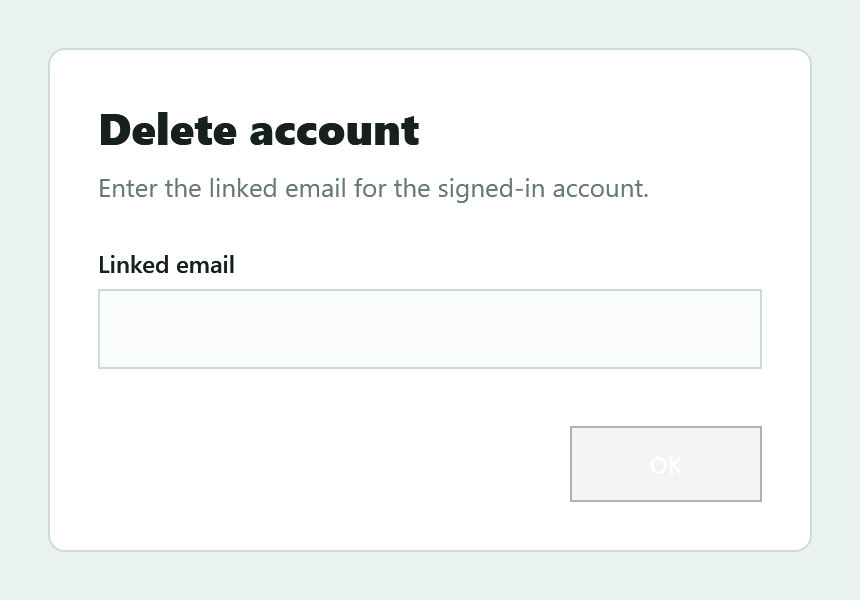
Sign-in and account management are available without taking over the product page. Delete account lives in Options and asks for the linked email and password first.
Install the Windows desktop app and start organizing projects, tasks, weekly plans, archives, and synced work in one focused workspace.
Download for Windows